Copy-Paste Excel Example: Difference between revisions
From NEOSYS User Support Wiki
Jump to navigationJump to search
Created page with '#Generate the required NEOSYS Report in your Browser <br><br>center|1000px<br> #Select the report contents starting from the first column header until the …' |
(No difference)
|
Latest revision as of 08:00, 13 March 2012
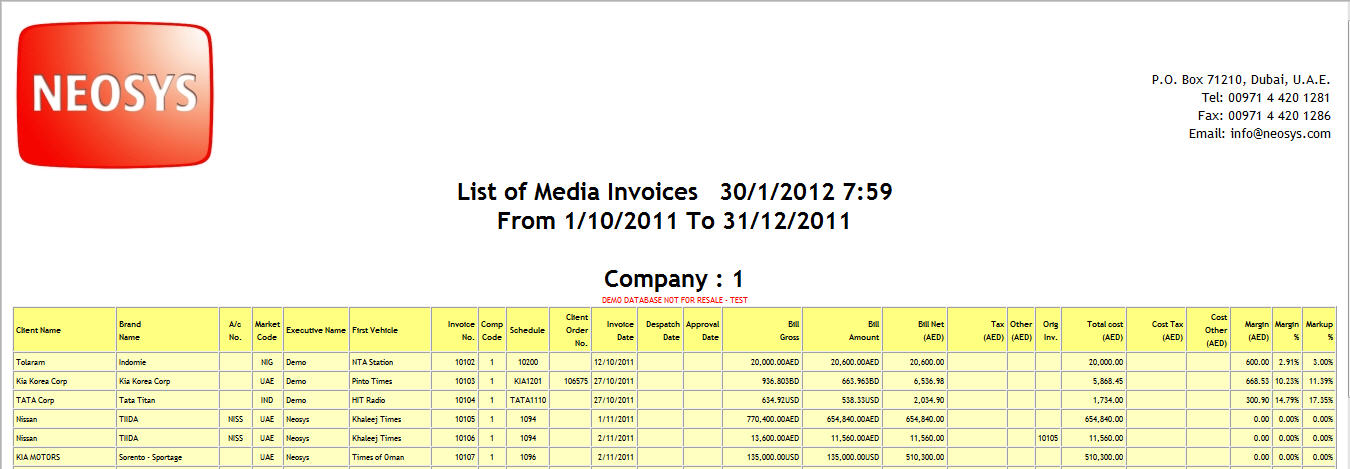
- Generate the required NEOSYS Report in your Browser
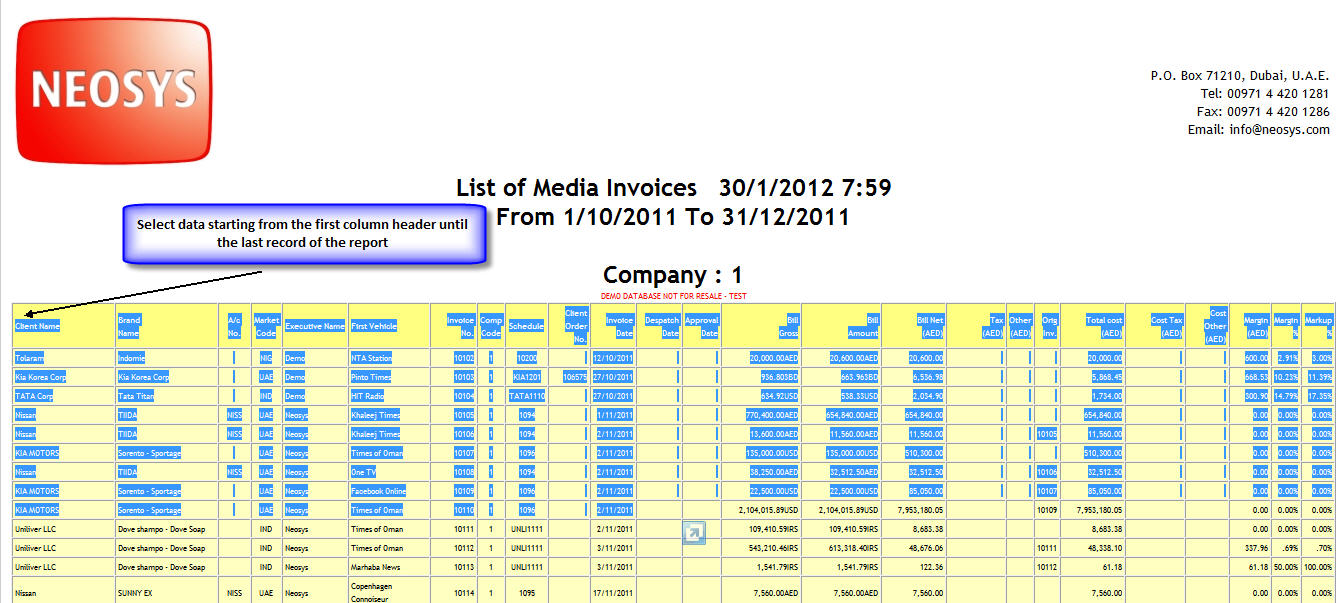
- Select the report contents starting from the first column header until the last record of the report
- Open New Excel Sheet
- Right Click on the cell where you want to paste data and Press Ctrl+V
- Select all contents (Press Ctrl+A)


